r/ProCreate • u/zebotc • 4h ago
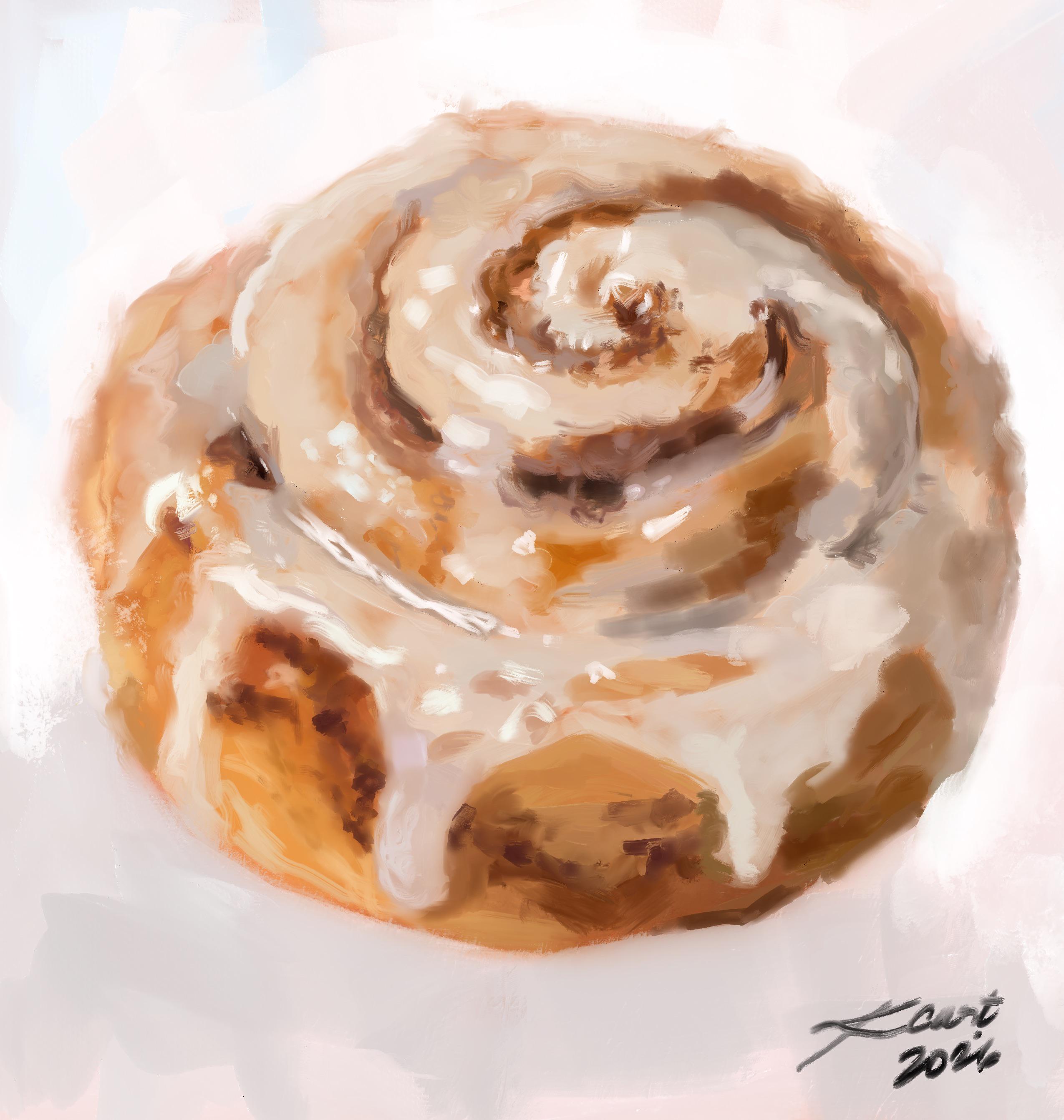
My Artwork Shimmering Iris 🌱 ✨

690
Upvotes
r/ProCreate • u/AutoModerator • 18d ago
https://reddit.com/link/1wv0z88/video/468ymgt1aamb1/player
We see a decent amount of questions regarding what iPad to buy. To make sure r/ProCreate doesn't get flooded in iPad related question, you can leave them here!
Every once in a while we we look at all the comments and update this post with useful information.For any indepth questions, we highly recommend r/ipad and r/iPadPro.
First you can check which iPad supports Procreate [HERE](https://procreate.com/faq)!
If you are completely new, this is good to know:
So without knowing anything about iPads, here’s some guidance for what to look for in a device. Get the most RAM and largest screen that your budget will allow, and be sure the iPad is compatible with the Apple Pencil. Having a larger hard drive is great too, so if you have some extra budget, go for it.

Which Apple Pencil should I buy?Which Apple Pencil should you get? Well, it depends on your iPad because the Apple Pencils are not cross-compatible. You have to get the Apple Pencil that works with your iPad, the other one will not work. For a full list of each iPad that works with each Apple Pencil, click [HERE](https://support.apple.com/en-us/HT211029).
Difference Between Apple Pencil 1 and 2The most significant difference between the two generations of Apple Pencil is the way they charge. With the Gen 1 Pencil, you need to remove a little cap, which is easy to lose, then stick the pencil into the iPad port, which is … awkward. Gen 2 charges seamlessly while magnetically attaching to the side of the iPad. For this reason, it’s harder to lose, and it’s always charged. Additionally, the Gen 2 Pencil has an invisible button that lets you switch between the brush and eraser tools in Procreate. I didn’t really like this feature and kept triggering the button unintentionally, so I turned it off. The Gen 2 Pencil also has a flat edge on one side, so it won’t roll off the desk when you set it down.
All that being said, the Apple Pencil shouldn’t be the deciding factor of what iPad to get, just get the one that works with your iPad.

Does Procreate work on the iPhone?Yes! And no. There is another version of Procreate specifically designed for the iPhone called Procreate Pocket. It’s a separate purchase from Procreate for iPad. It has many of the same capabilities as the iPad app and is great for drawing on the go. If you are interested, check out r/ProcreatePocket!
Does Procreate work on Android OS? No. The Procreate team has stated that they are focusing development solely on iOS.
Source: [bardotbrush.com]( https://bardotbrush.com/best-ipad-for-procreate/)
r/ProCreate • u/AutoModerator • 4d ago
https://reddit.com/link/1x6n6oj/video/468ymgt1aamb1/player
We see a decent amount of questions regarding what iPad to buy. To make sure r/ProCreate doesn't get flooded in iPad related question, you can leave them here!
Every once in a while we we look at all the comments and update this post with useful information.For any indepth questions, we highly recommend r/ipad and r/iPadPro.
First you can check which iPad supports Procreate [HERE](https://procreate.com/faq)!
If you are completely new, this is good to know:
So without knowing anything about iPads, here’s some guidance for what to look for in a device. Get the most RAM and largest screen that your budget will allow, and be sure the iPad is compatible with the Apple Pencil. Having a larger hard drive is great too, so if you have some extra budget, go for it.
Which Apple Pencil should I buy?Which Apple Pencil should you get? Well, it depends on your iPad because the Apple Pencils are not cross-compatible. You have to get the Apple Pencil that works with your iPad, the other one will not work. For a full list of each iPad that works with each Apple Pencil, click [HERE](https://support.apple.com/en-us/HT211029).
Difference Between Apple Pencil 1 and 2The most significant difference between the two generations of Apple Pencil is the way they charge. With the Gen 1 Pencil, you need to remove a little cap, which is easy to lose, then stick the pencil into the iPad port, which is … awkward. Gen 2 charges seamlessly while magnetically attaching to the side of the iPad. For this reason, it’s harder to lose, and it’s always charged. Additionally, the Gen 2 Pencil has an invisible button that lets you switch between the brush and eraser tools in Procreate. I didn’t really like this feature and kept triggering the button unintentionally, so I turned it off. The Gen 2 Pencil also has a flat edge on one side, so it won’t roll off the desk when you set it down.
All that being said, the Apple Pencil shouldn’t be the deciding factor of what iPad to get, just get the one that works with your iPad.
Does Procreate work on the iPhone?Yes! And no. There is another version of Procreate specifically designed for the iPhone called Procreate Pocket. It’s a separate purchase from Procreate for iPad. It has many of the same capabilities as the iPad app and is great for drawing on the go. If you are interested, check out r/ProcreatePocket!
Does Procreate work on Android OS? No. The Procreate team has stated that they are focusing development solely on iOS.
Source: [bardotbrush.com]( https://bardotbrush.com/best-ipad-for-procreate/)
r/ProCreate • u/AlizBuzas • 12h ago
r/ProCreate • u/kcmmoon • 6h ago
My first digital painting vs my latest one the latest one! Any advice on how improve even more?
r/ProCreate • u/Any-Mirror7225 • 9h ago
Cotton is the name of the piece
r/ProCreate • u/wimzera-studio • 3h ago
r/ProCreate • u/brighteyed112 • 7h ago
This is my first original drawing that has come from my brain. I know it’s not perfect but I’m still very proud of it for being a beginner!
r/ProCreate • u/YamaZero2000 • 1h ago
The inspiration of this artwork was the line from The Odyssey Books, "King Agamemnon, with a head and face like Jove the lord of thunder, a waist like Mars, and a chest like that of Neptune." I felt like I needed to do him Justice.
r/ProCreate • u/mclissu • 7h ago
Here’s my newest artwork I just made 💗
r/ProCreate • u/SayWhat-1969 • 20h ago
This is sort of a “doodle”, I’m still exploring the program. I’m really starting to dig Procreate! I’ve still got a lot to learn but so far it’s been fun. I have so many more tools to work with than trad media, now I’m going to consider printing some of my work as it gets to the point where I’m satisfied with it. I’ll be needing some help along the way…..like how big can a Procreate file print out and other issues which I’ll have to tackle down the road.
r/ProCreate • u/Tangled_Clouds • 1h ago
r/ProCreate • u/bachwerk • 14h ago
Drawn with retro Supply brushes
r/ProCreate • u/goatblunt • 1d ago
r/ProCreate • u/markmakesfun • 20h ago
Penciller- Marcio Abreu. Inks- me, u/markmakesfun
Note: no AI, no filters, all lines hand-applied with my Apple Pencil.
r/ProCreate • u/claudio_cherry_76 • 4h ago
Another Halloween-themed illustration I made in Procreate! I used the default brushes, and the characters are all from my imagination! It’s so much fun creating creepy atmospheres :) I love October! 🎃
r/ProCreate • u/ScrawnyDiego • 1h ago
I was going for a cartoonish look and it turned out pretty good in my opinion
r/ProCreate • u/NatKingC0bra • 23h ago
This is something fun with which I've been puttering around between other projects for almost a year. I went into the file stats in Procreate expecting it to be something like 200 hours but it turns out it was only 70... It only felt like forever. I'm huge fanatic for the 'Alien' movies and as I kid, I was introduced to the franchise through the comics, toys and video games. Something about that secondary wave of media that embraced the color and caught my eye from across the comic book store before I had ever even seen the movies. Artists like Dave Dorman and Den Beauvais really defined the "look" of aliens for me long before I ever saw the movies. So I wanted to embrace that.
r/ProCreate • u/legreyf0xx • 4h ago
A random idea I had. I may try and execute it differently but this is what I landed on for now
r/ProCreate • u/SoupMoist1451 • 1d ago
Another quick lasso/gradient piece I made a while ago, really fun technique