r/ProCreate • u/Cactus-collie • 16h ago
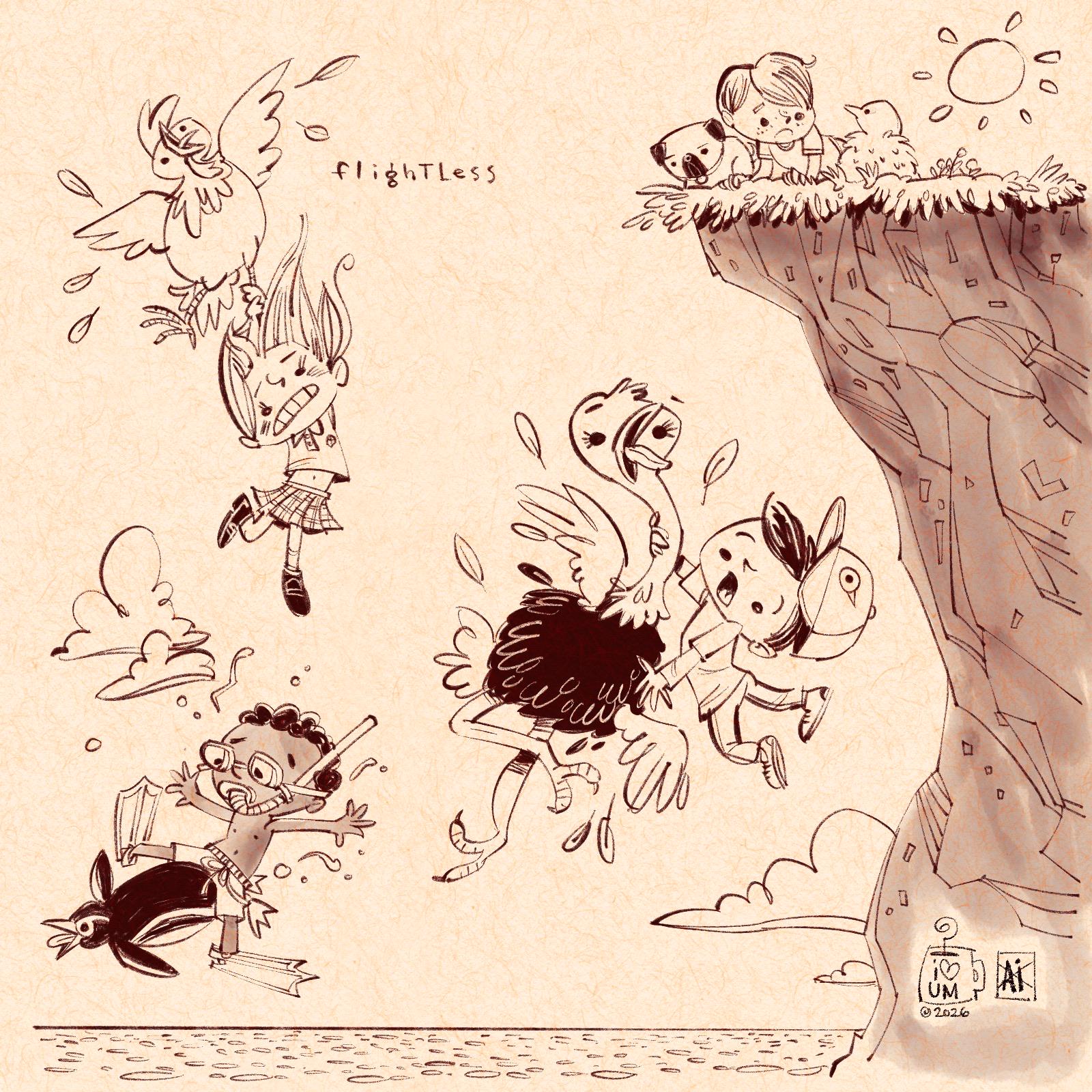
My Artwork wuppydogs!
334
Upvotes
r/ProCreate • u/AutoModerator • 16d ago
https://reddit.com/link/1wv0z88/video/468ymgt1aamb1/player
We see a decent amount of questions regarding what iPad to buy. To make sure r/ProCreate doesn't get flooded in iPad related question, you can leave them here!
Every once in a while we we look at all the comments and update this post with useful information.For any indepth questions, we highly recommend r/ipad and r/iPadPro.
First you can check which iPad supports Procreate [HERE](https://procreate.com/faq)!
If you are completely new, this is good to know:
So without knowing anything about iPads, here’s some guidance for what to look for in a device. Get the most RAM and largest screen that your budget will allow, and be sure the iPad is compatible with the Apple Pencil. Having a larger hard drive is great too, so if you have some extra budget, go for it.

Which Apple Pencil should I buy?Which Apple Pencil should you get? Well, it depends on your iPad because the Apple Pencils are not cross-compatible. You have to get the Apple Pencil that works with your iPad, the other one will not work. For a full list of each iPad that works with each Apple Pencil, click [HERE](https://support.apple.com/en-us/HT211029).
Difference Between Apple Pencil 1 and 2The most significant difference between the two generations of Apple Pencil is the way they charge. With the Gen 1 Pencil, you need to remove a little cap, which is easy to lose, then stick the pencil into the iPad port, which is … awkward. Gen 2 charges seamlessly while magnetically attaching to the side of the iPad. For this reason, it’s harder to lose, and it’s always charged. Additionally, the Gen 2 Pencil has an invisible button that lets you switch between the brush and eraser tools in Procreate. I didn’t really like this feature and kept triggering the button unintentionally, so I turned it off. The Gen 2 Pencil also has a flat edge on one side, so it won’t roll off the desk when you set it down.
All that being said, the Apple Pencil shouldn’t be the deciding factor of what iPad to get, just get the one that works with your iPad.

Does Procreate work on the iPhone?Yes! And no. There is another version of Procreate specifically designed for the iPhone called Procreate Pocket. It’s a separate purchase from Procreate for iPad. It has many of the same capabilities as the iPad app and is great for drawing on the go. If you are interested, check out r/ProcreatePocket!
Does Procreate work on Android OS? No. The Procreate team has stated that they are focusing development solely on iOS.
Source: [bardotbrush.com]( https://bardotbrush.com/best-ipad-for-procreate/)
r/ProCreate • u/AutoModerator • 2d ago
https://reddit.com/link/1x6n6oj/video/468ymgt1aamb1/player
We see a decent amount of questions regarding what iPad to buy. To make sure r/ProCreate doesn't get flooded in iPad related question, you can leave them here!
Every once in a while we we look at all the comments and update this post with useful information.For any indepth questions, we highly recommend r/ipad and r/iPadPro.
First you can check which iPad supports Procreate [HERE](https://procreate.com/faq)!
If you are completely new, this is good to know:
So without knowing anything about iPads, here’s some guidance for what to look for in a device. Get the most RAM and largest screen that your budget will allow, and be sure the iPad is compatible with the Apple Pencil. Having a larger hard drive is great too, so if you have some extra budget, go for it.
Which Apple Pencil should I buy?Which Apple Pencil should you get? Well, it depends on your iPad because the Apple Pencils are not cross-compatible. You have to get the Apple Pencil that works with your iPad, the other one will not work. For a full list of each iPad that works with each Apple Pencil, click [HERE](https://support.apple.com/en-us/HT211029).
Difference Between Apple Pencil 1 and 2The most significant difference between the two generations of Apple Pencil is the way they charge. With the Gen 1 Pencil, you need to remove a little cap, which is easy to lose, then stick the pencil into the iPad port, which is … awkward. Gen 2 charges seamlessly while magnetically attaching to the side of the iPad. For this reason, it’s harder to lose, and it’s always charged. Additionally, the Gen 2 Pencil has an invisible button that lets you switch between the brush and eraser tools in Procreate. I didn’t really like this feature and kept triggering the button unintentionally, so I turned it off. The Gen 2 Pencil also has a flat edge on one side, so it won’t roll off the desk when you set it down.
All that being said, the Apple Pencil shouldn’t be the deciding factor of what iPad to get, just get the one that works with your iPad.
Does Procreate work on the iPhone?Yes! And no. There is another version of Procreate specifically designed for the iPhone called Procreate Pocket. It’s a separate purchase from Procreate for iPad. It has many of the same capabilities as the iPad app and is great for drawing on the go. If you are interested, check out r/ProcreatePocket!
Does Procreate work on Android OS? No. The Procreate team has stated that they are focusing development solely on iOS.
Source: [bardotbrush.com]( https://bardotbrush.com/best-ipad-for-procreate/)
r/ProCreate • u/Fantastic_Falkor778 • 14h ago
Another James Julier tutorial. It felt too flat to end with, so I kept adding more layers of mountains, trees, fog and birds. Now it feels a lot more alive, I’m happy. ^^ I’m starting to feel more confident in making it my own. Even if subtle. :-)
r/ProCreate • u/bachwerk • 13h ago
I posted the first nine days previously.
I’ve kept doing daily pics, some good ones, a few mid ones. At 14, I assembled them into a poster. Over the last few days, I've been trying different rendering methods. I’ll have to keep trying new things to get through two more weeks.
Mainly done with Retro Supply gouache brushes
r/ProCreate • u/Mr_Scorpio247 • 1h ago
Back in 2020, I drew by hand with pen and ink and colored pencils my homage to Jim Steranko's classic Hulk cover using Hellboy. Unfortunately, I moved and don't know what I did with the original image. I decided to redo in Procreate, basically, changing the dimensions to that standard 11X17in.
r/ProCreate • u/alteregosrule • 23h ago
And bonus animation!
r/ProCreate • u/Dym_Drimluga • 8h ago
r/ProCreate • u/ManyPositive5510 • 21h ago
Usually this happens and it doesn’t make me mad but this time around I rrly like the sketch and I don’t know how to fix it. 🥹🙏
Also for her headpiece, it’s supposed to be these gold circular flat things layed on top of each other butttt I reloaded Pinterest and lost the reference so for the lineart I was kinda making things up as I go
Also are the face proportions weird cuz I flipped it too much.
r/ProCreate • u/zuzana_svobodova_art • 15h ago
Enable HLS to view with audio, or disable this notification
Halloween doodles :)
r/ProCreate • u/ChampionshipSad7161 • 17m ago
First Procreate/digital art piece. Any thoughts and tips?
r/ProCreate • u/ChallengeNo8869 • 6h ago
r/ProCreate • u/Fun-Preparation8575 • 10h ago
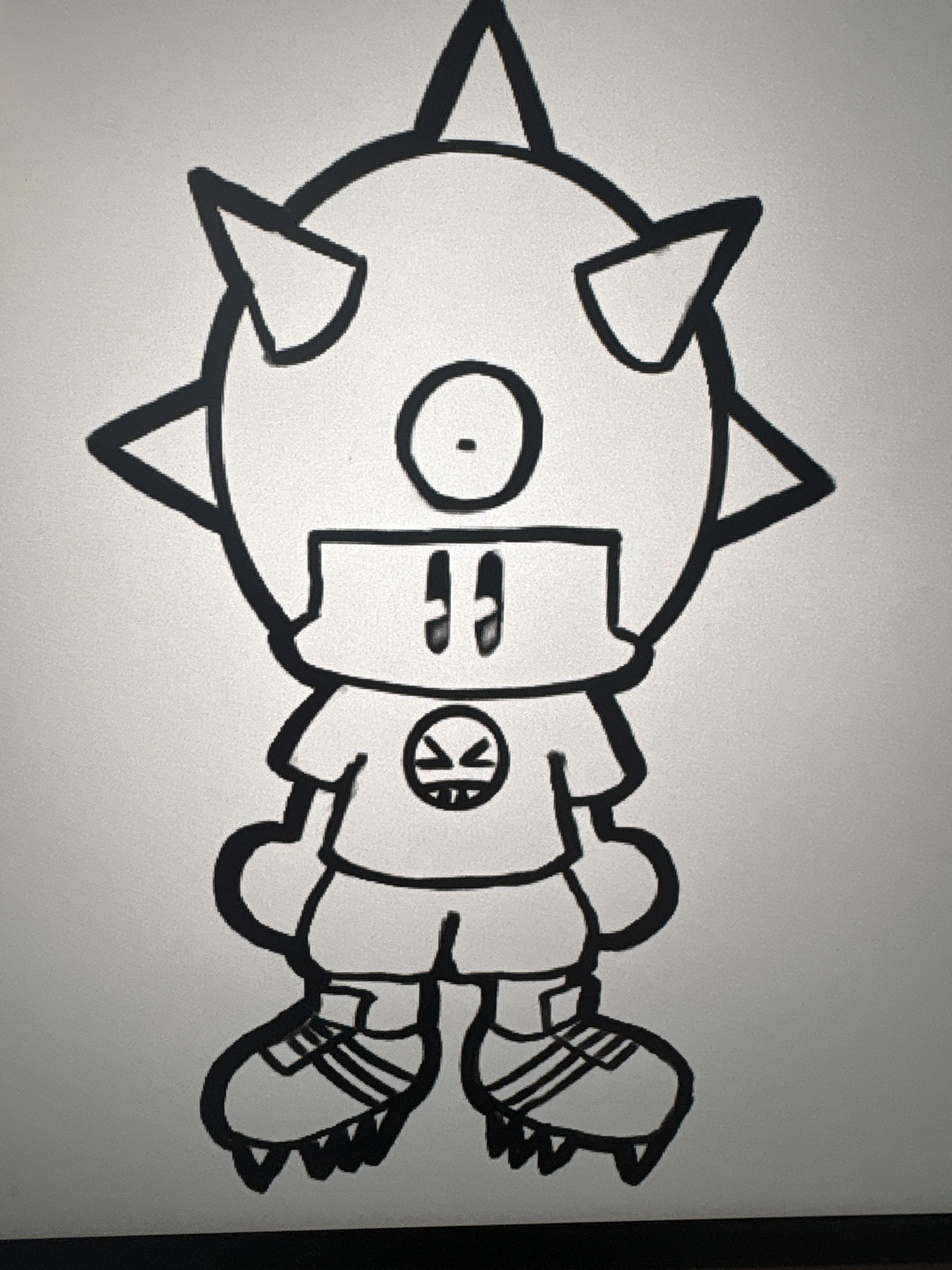
OC from a personal project
r/ProCreate • u/garyhorsman • 1h ago
Rendered using a modified Geysir Ink brush by GeorgVW and Paper Block texture by Frankentoon
r/ProCreate • u/NexisVlada • 11h ago
Painted this one in Procreate. I'm happy with the bubbles, but not sure about the composition Honest feedback welcome, what would u fix first?
r/ProCreate • u/Inkistrator • 1d ago
Hello all, this is my second post,
I posted previously last weekend and then edited the post to add my insta link, it then got stuck in waiting for moderation for over a week =/ .. not too sure if you are allowed to link socials.. i don't see it in the rules, but i am inkistrator on instagram.
I'm coming from a 3D design background and I'm finding joy in making 2D based artworks as AI is taking over all aspects of my current job and killing my soul!
So I'm doing as much 2D based artwork on my daily commute! and being inspired by Stefan of Plastic Pen.
I am using some of my old 3D models as a base and to practice and get better at 2D based stuff!
All done in Procreate using Plastic playground brush pack.
r/ProCreate • u/melancholybrunett3 • 14h ago
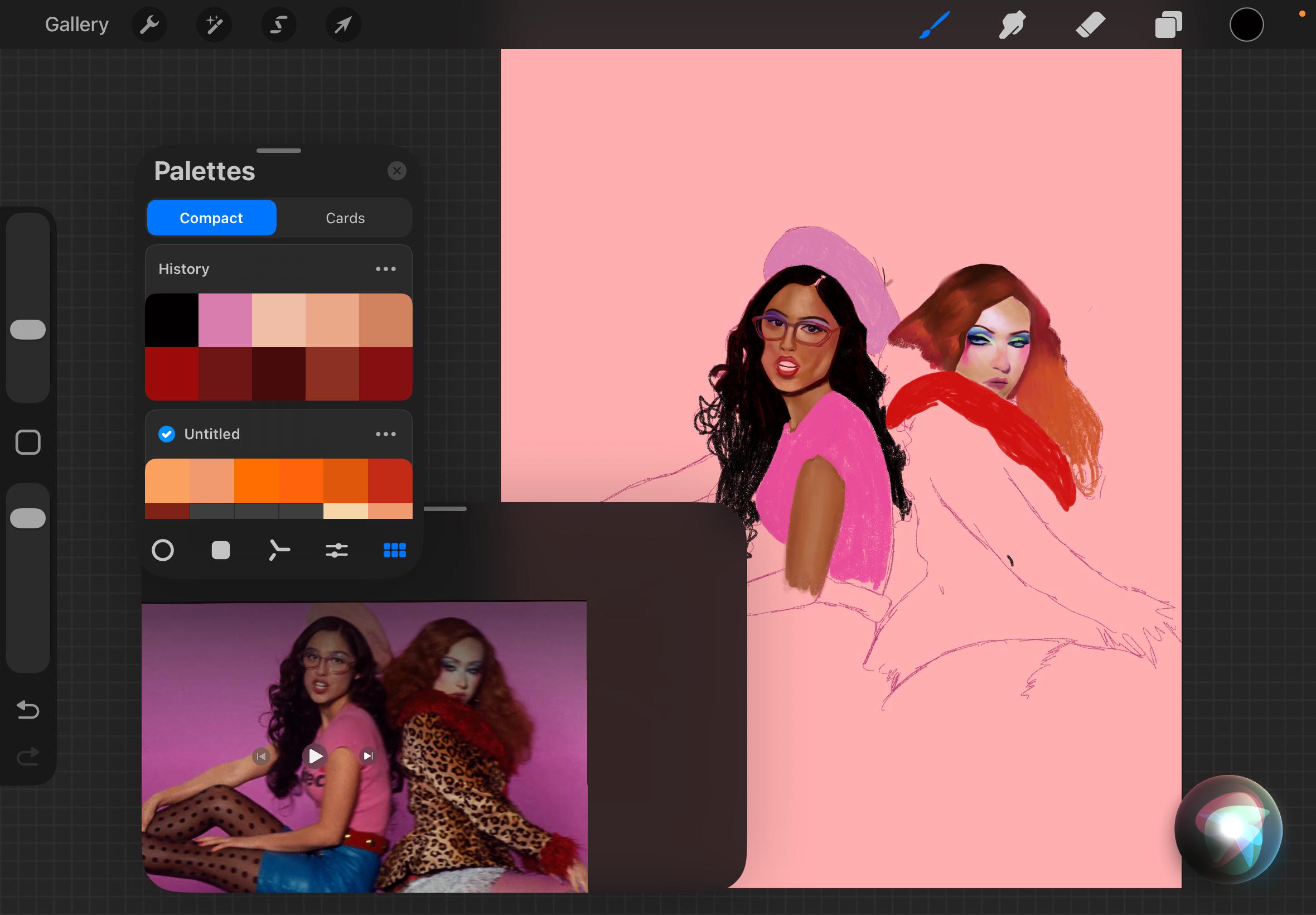
I loved the Expectations MV so much I decided to do my own take.
r/ProCreate • u/Valuable_Air_1747 • 23h ago
Hi digital artists! Basically the title. Can yall tell me how you draw with multiple layers without procreate lagging? Am I doing something wrong? I draw with a lot of layers because coloring and stuff but then the undo button or the zooming gets really annoying, how do you do it? It’s the config of the canvas? Am I doing something wrong?
It’s because my canvas is big? (Less than a5 because I then print it), the dpi? (I use 500 but I dunno if it’s correct)
Probably it’s not the most efficient way of drawing and coloring but it’s just my way to do it and it works for me.
It’s a normal function of the app? The more layers the badder it becomes? Thank you so much for any help
r/ProCreate • u/robson__girl • 6h ago
hey so i’ve never really done digital art before but i’m an artist and i’ve been wanting to get myself an ipad to give it a go, probably using procreate or something similar, but i’m soooo confused on how to know which model ipad to pick.
i’m wanting to buy it refurbished maybe from like CEX or Reebelo or something similar, so not brand new, but there’s literally like so many models and gens and storage and sizes and all of them work with different pens?!? why is there like 4 different apple pencils omg?!?
i’m just like so lost on where to start. i know i want something with pressure sensitivity, enough storage, and i also know i don’t want a mini or one of the humongous ones either. so possibly an air? or just a regular ipad? but then like i don’t know what model is too old to bother with, but also anything too new is out of my price range (not that i have an exact number in mind atm but roughly anyway).
idk what im asking for here but maybe if someone could help out and give me a bit of a starting point of what to look at, or some info on the differences or what works best, or possibly what you personally use yourself? much appreciated :3